Overview
Last updated About 2 months ago
The Webhooks page lets you subscribe to specific events on your account so an address of your choice gets notified automatically.
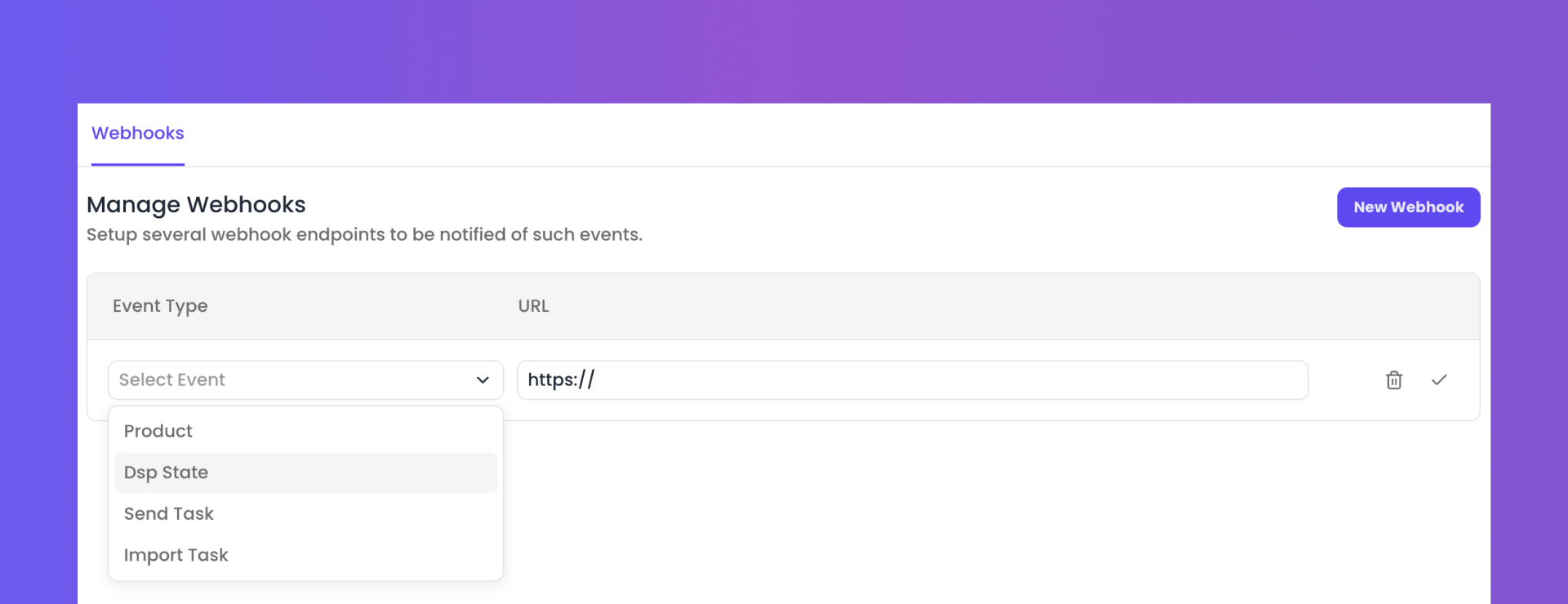
Events you can subscribe to
Product — A new product is created.
DSP State — A delivery's status on a streaming platform changes.
Send Task — A send task's status changes.
Import Task — An import task's status changes.
Setting up a webhook
Go to your distributor settings, then navigate to Webhooks.
Click New Webhook, choose an event, and enter the notification address.
Confirm to save.
Managing your webhooks
Limit: Maximum of one webhook per event type (4 in total).
Updates: To change an address, delete the existing webhook and create a new one.
Deletion: Removing a webhook stops notifications for that event immediately.
Note: Only admin users on a distributor account can create or remove webhooks.
Was this helpful?
Still need help? Ask the team