Projects
Last updated Over 1 year ago
Projects is a feature you can find in the catalog section that simplifies managing and tracking music projects.
With projects, related content like EPs, albums, music videos, or singles can be grouped together, providing a clear overview and easier management of creative projects.
Overview of several projects:
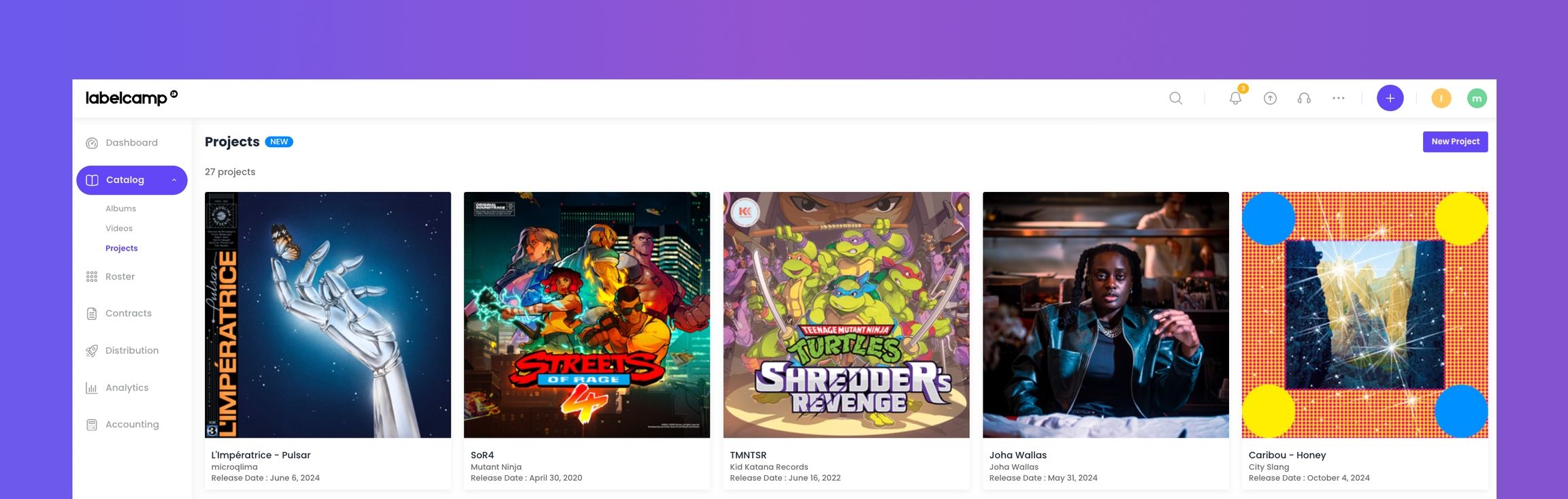
To create a new project, click on the top right button and complete information such as the project name, the label associated, the release date and a cover image. This information can be updated at any time.
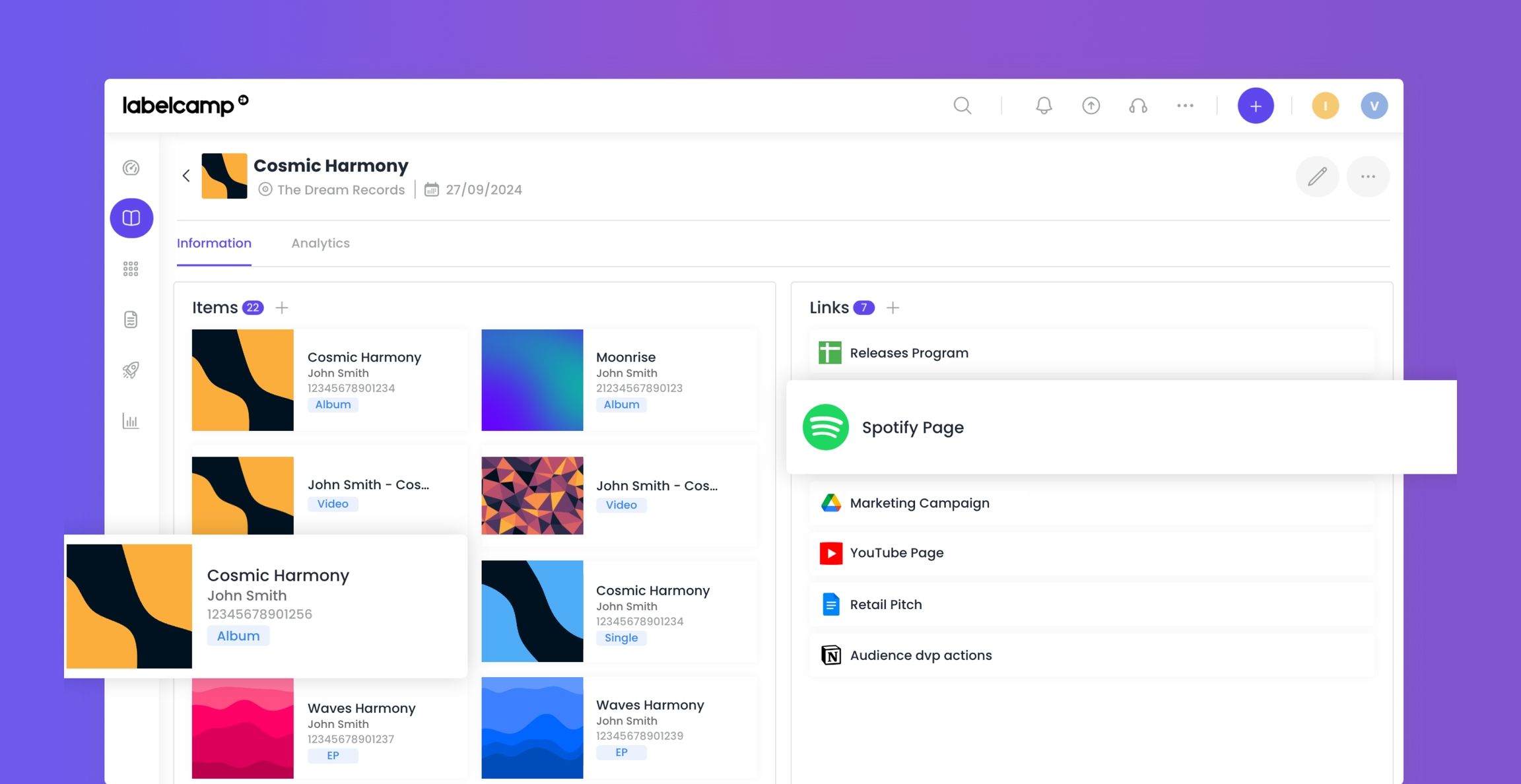
Once your project is created, you can easily associate any related content (albums, EPs, videos, singles) by clicking on the + button.
Additionally, Projects serve as a collaborative space for team members to add unlimited external links to marketing assets, merch websites, artist socials, or DSP pages, improving communication and coordination.
Inside a project – items and links view:
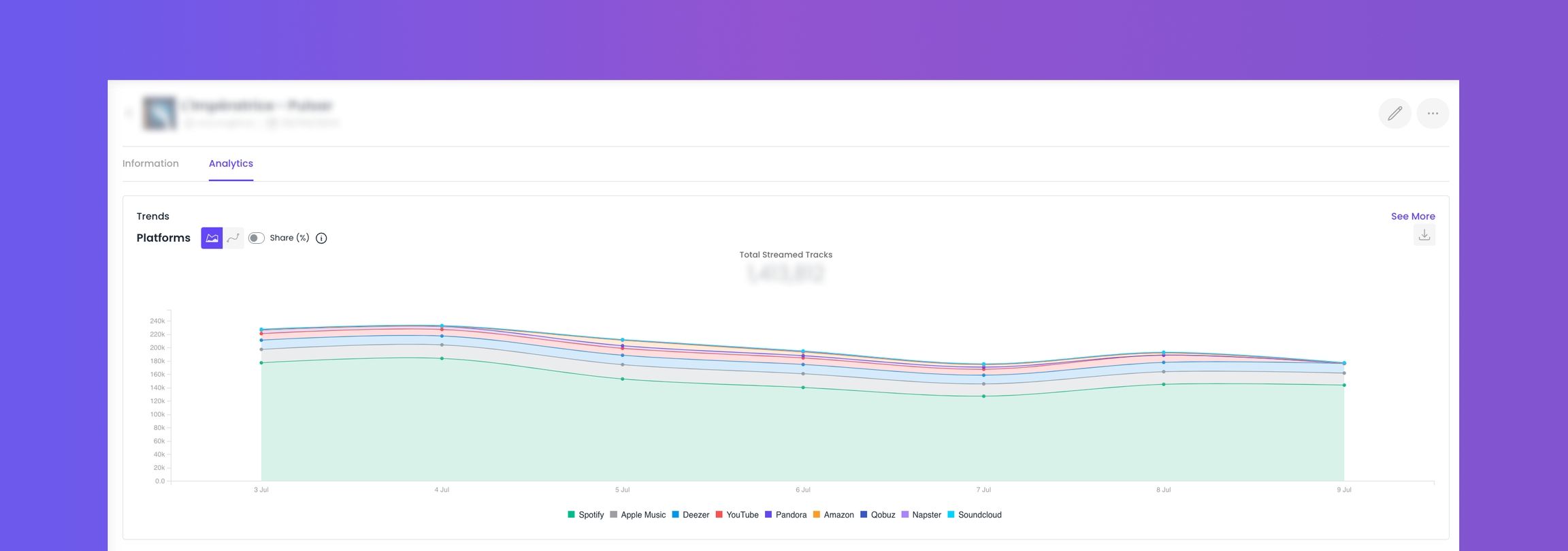
The Project page also includes analytics, allowing users to monitor the performance of grouped releases across main platforms with a single click.
This page displays the total consumption of your project since its creation.
Analytics from the project page:
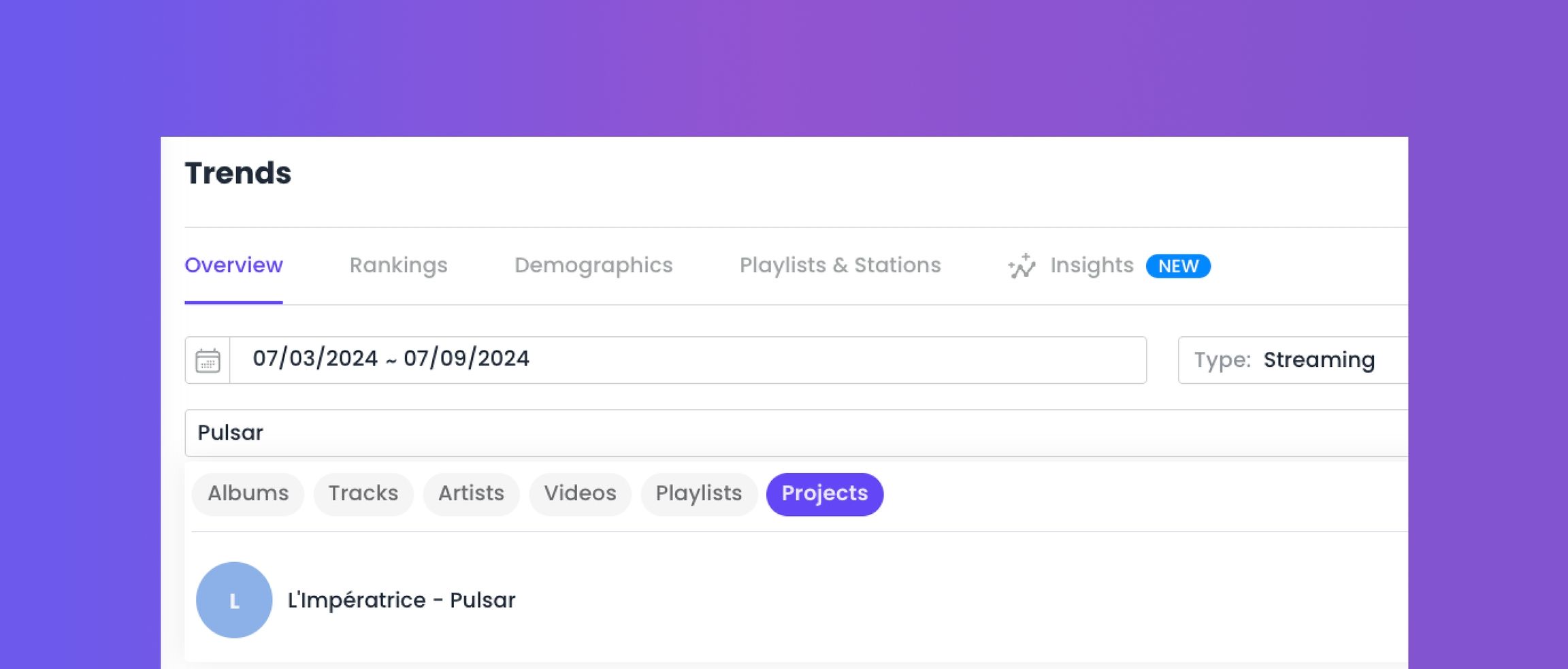
For a more detailed analysis, you can search for your project in the Trends section using the filter.
Was this helpful?
Still need help? Ask the team