Apple Motion Arts
Last updated Over 1 year ago
You can attached animated artworks to your Apple deliveries. Here is how you can use this feature:
1. Upload
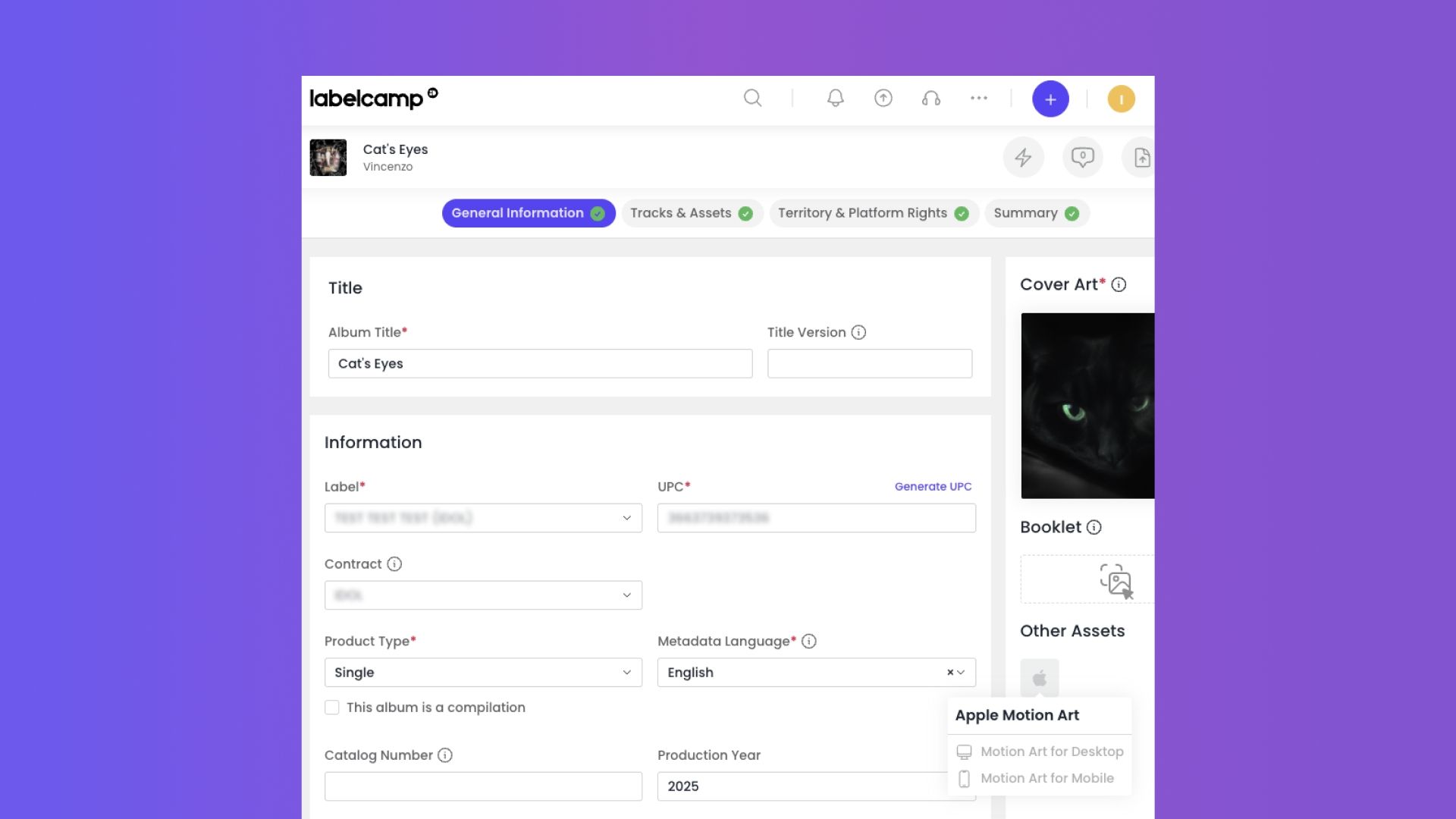
Apple Motion Arts can be uploaded directly from the 'General Information' tab in the funnel, for 'Draft' products:
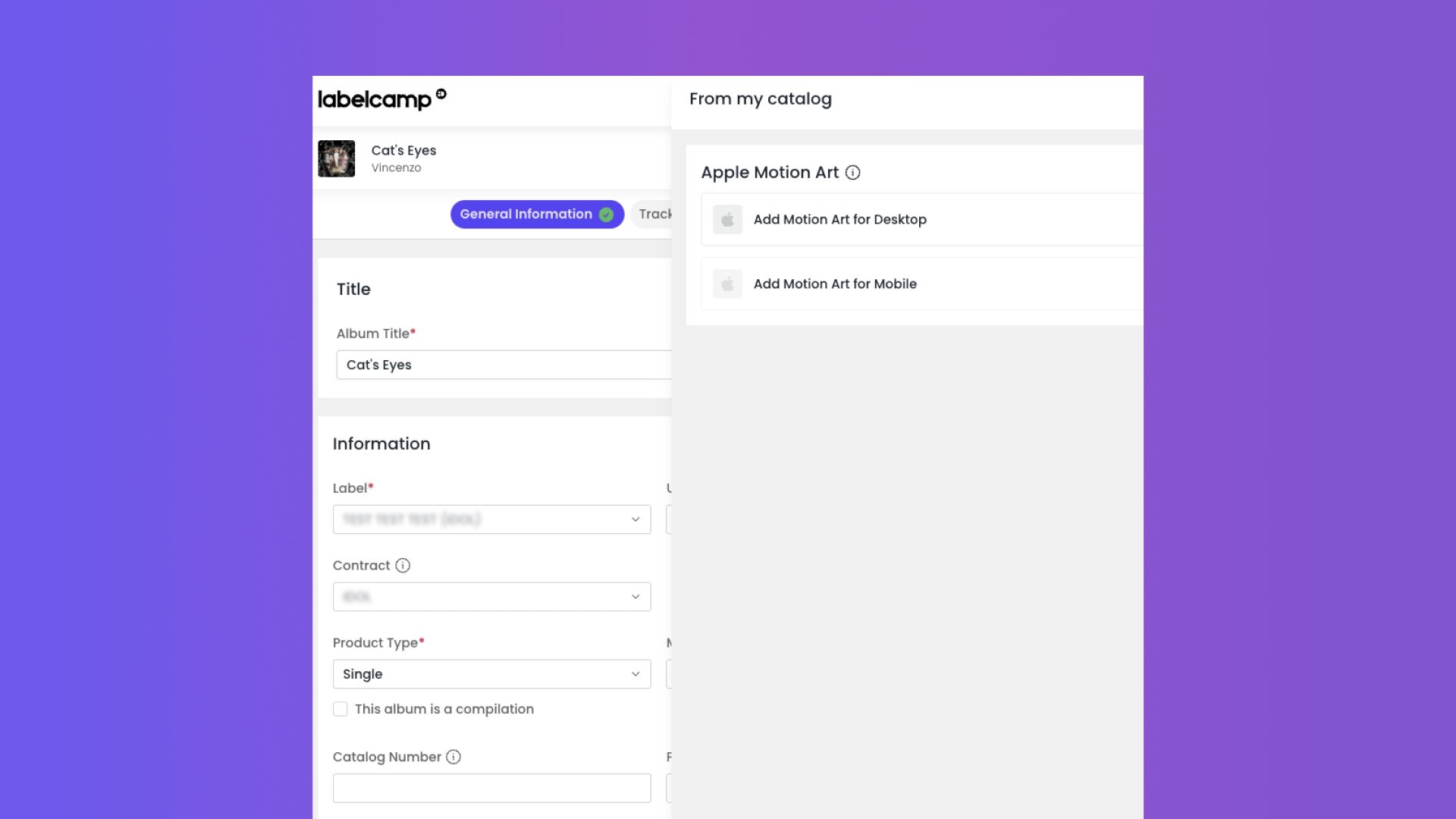
Upload the Motion Art for Desktop and the Motion Art for Mobile to the product:
2. Delivery
Once Motion Arts have been uploaded, you can proceed with delivery to Apple as usual.
3. Processing (by Apple)
Automated email sent by Apple (processing)
After the Motion Arts have been delivered to Apple, the distributor will receive an automated email from the iTunes Store (<do_not_reply@email.apple.com>) confirming that the Motion Arts are currently being processed by Apple.
Example of this email:
The following Motion Art components are currently processing:
Video (Motion Art 3:4) Status: In Review Delivered on: 2025-04-15 03:14 (PDT)
Video (Motion Art 1:1) Status: In Review Delivered on: 2025-04-15 03:14 (PDT)
Automated email sent by Apple (approval)
The distributor will receive confirmation that the Motion Arts have been processed. Once this email is received, the animated artwork will be available on the Apple Music and iTunes Stores.
Example of this email:
The following Motion Art components have been approved:
Video (Motion Art 3:4) Status: In Review Delivered on: 2025-04-15 03:14 (PDT)
Video (Motion Art 1:1) Status: In Review Delivered on: 2025-04-15 03:14 (PDT)
No need to add a gradient to a Motion Art 3x4 submission.
Submit your Motion Art 3x4 artwork at full frame.
It is not possible to delete Motion Arts via deliveries (nor iTunes Connect).
For all Motion Art deletions, please contact your Apple representative.
Technical requirements
Please refer to the Apple Music Album Motion Guidelines.
Was this helpful?
Still need help? Ask the team