Archive a User
Last updated Over 1 year ago
You can archive a user that you no longer want to grant access to the application. Once you archive him, he will no longer be able to connect to Labelcamp.
1. Click on the Archive icon of the user you want to delete
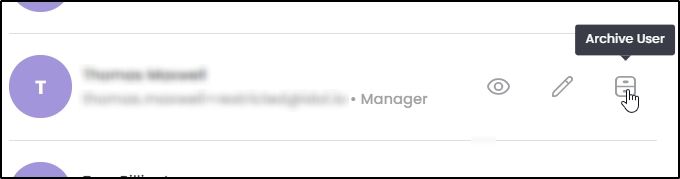
2. Confirm
Please note that we don't delete the account entirely.
You can still re-invite an already invite user by clicking on "Resend" button in Archive User section.
Was this helpful?
Still need help? Ask the team